
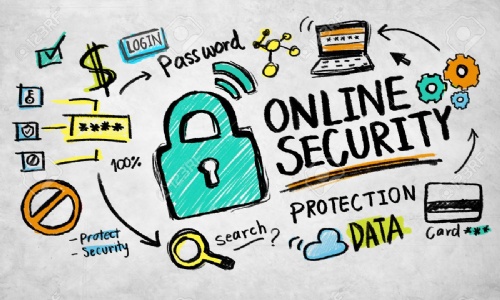

Protecting yourself online isn’t always easy, especially since hackers and scammers are getting more and more sophisticated. Thankfully, there are a number of things you can do to maintain safety online. Here are just five of our top tips.
Practice Proper Password Management
You need to be using complex and unique passwords for every site. Strong passwords make it difficult for hackers to guess and access your data. Many people stick to the same memorable passwords as they’re easier to keep track of, but this is risky.
To get around this problem, the best thing to do is use a trusted password manager such as Nordpass. These keep your passwords secure so you can access them anytime and you don’t need to remember multiple complicated passwords.
Setting up two-factor authentication (2FA) is also recommended, as this adds an extra layer of security.
Keep Software Up to Date
Outdated software can put you at risk. Software updates are often used to address things like gaps in security or protect devices from new, more advanced scams. When your software isn’t up to date, your device is more vulnerable to sophisticated attacks. Consider turning on automatic updates so you’re always protected.

Stay Vigilant of Phishing
Knowing what to look out for is fundamental for remaining vigilant. There are a few tell tale signs that a form of communication has malicious intent, this includes:
- Misspellings and bad grammar
- A sense of urgency behind the message
- Requesting personal details or financial information
- Suspicious attachments or links
- Unusual payment methods (such as wire transfers)
If you have any suspicions about an email or text message, don’t engage. Instead, block and report it straight away.
Use Secure Networks
Unsecured networks lack encryption, meaning it’s easier for someone to intercept your data. Always stick to secure networks where possible. If a network is secure, you should see a padlock icon. Your device should also warn you if you’re about to join an unsecure network.
Use the Right Tools
There are a number of tools available that make threat monitoring simple. Installing reputable security software can give you extra protection and will alert you in the event of a data breach, allowing you to act quickly to minimise the damage.
Don’t Get Caught Out
Safety online is critical. By using complex passwords and storing them securely, keeping your devices up to date, knowing the signs of phishing attempts, sticking to secure networks, and using the right security software, you can keep yourself protected online.